Recent
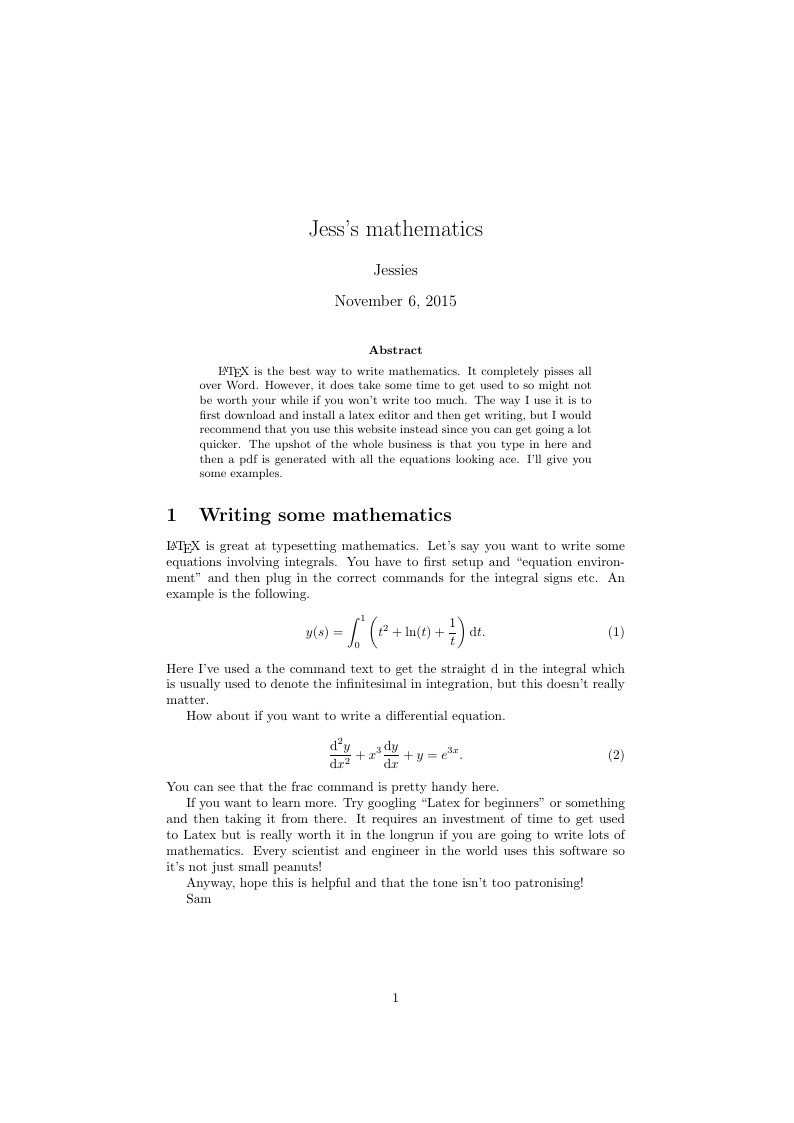
LaTeX is the best way to write mathematics. It completely pisses all over Word. However, it does take some time to get used to so might not be worth your while if you won't write too much. The way I use it is to first download and install a latex editor and then get writing, but I would recommend that you use this website instead since you can get going a lot quicker. The upshot of the whole business is that you type in here and then a pdf is generated with all the equations looking ace. I'll give you some examples.
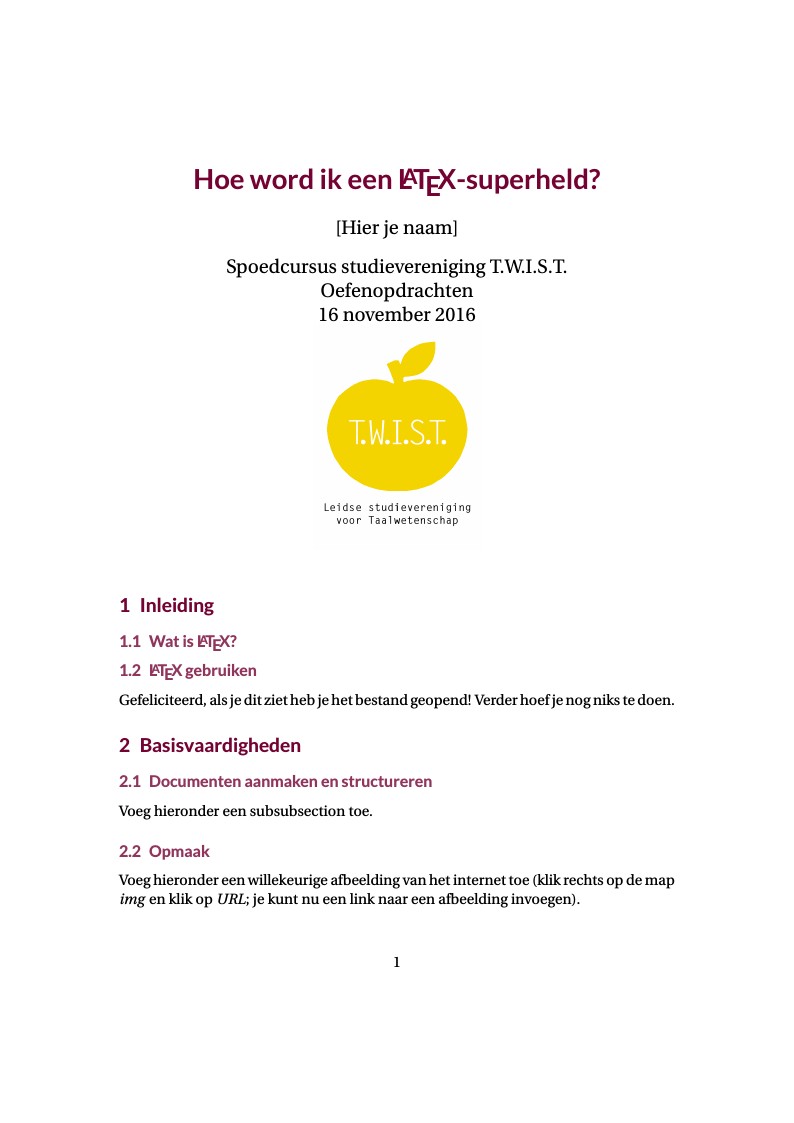
Dit is een oefenbestand voor de LaTeX-cursus van studievereniging TWIST (2015-10-12)
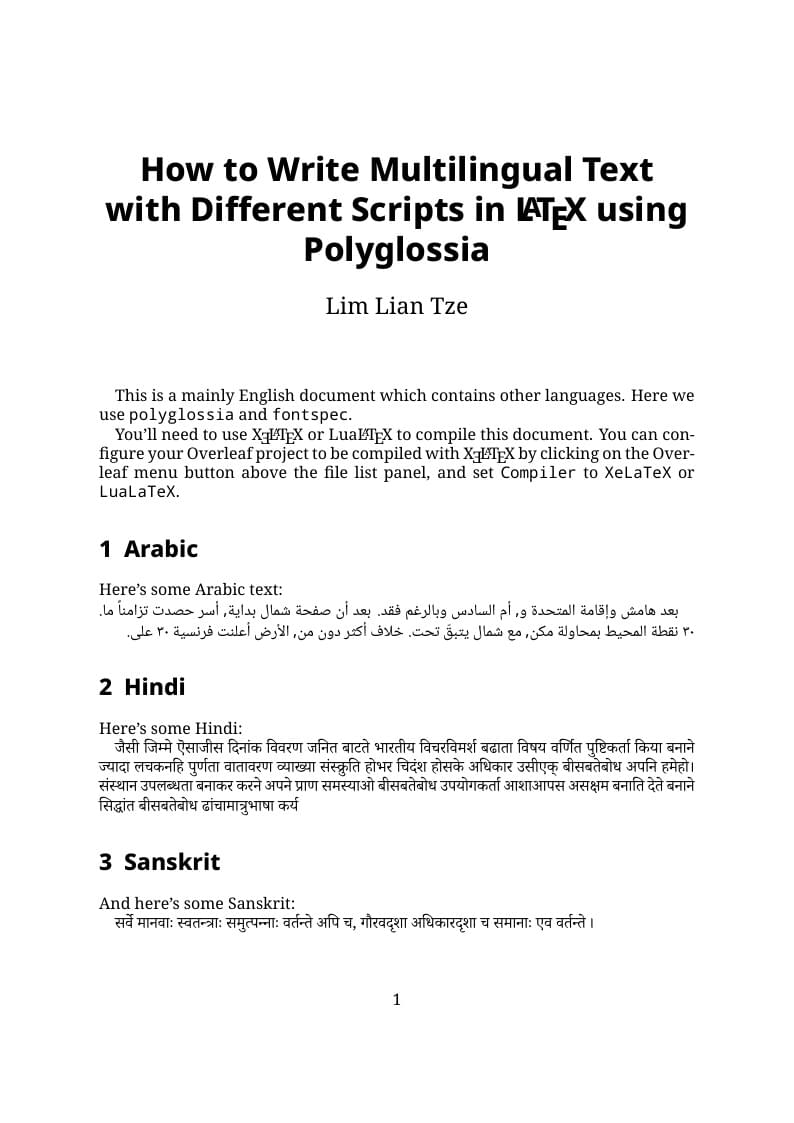
A multilingual example document with Arabic, Sanskrit, Hindi, Chinese, Japanese, Korean, Greek and Thai, using XeLaTeX + fontspec + polyglossia.
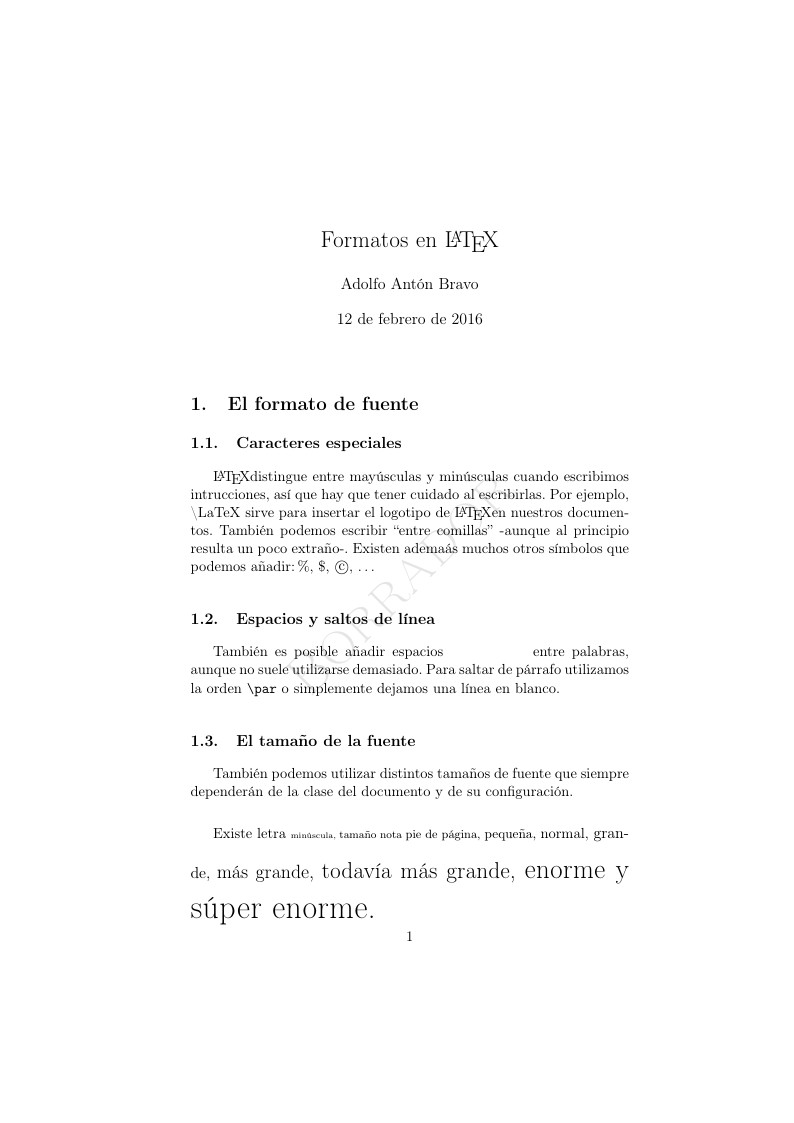
Article format for authors, revista ingeniería y ciencia
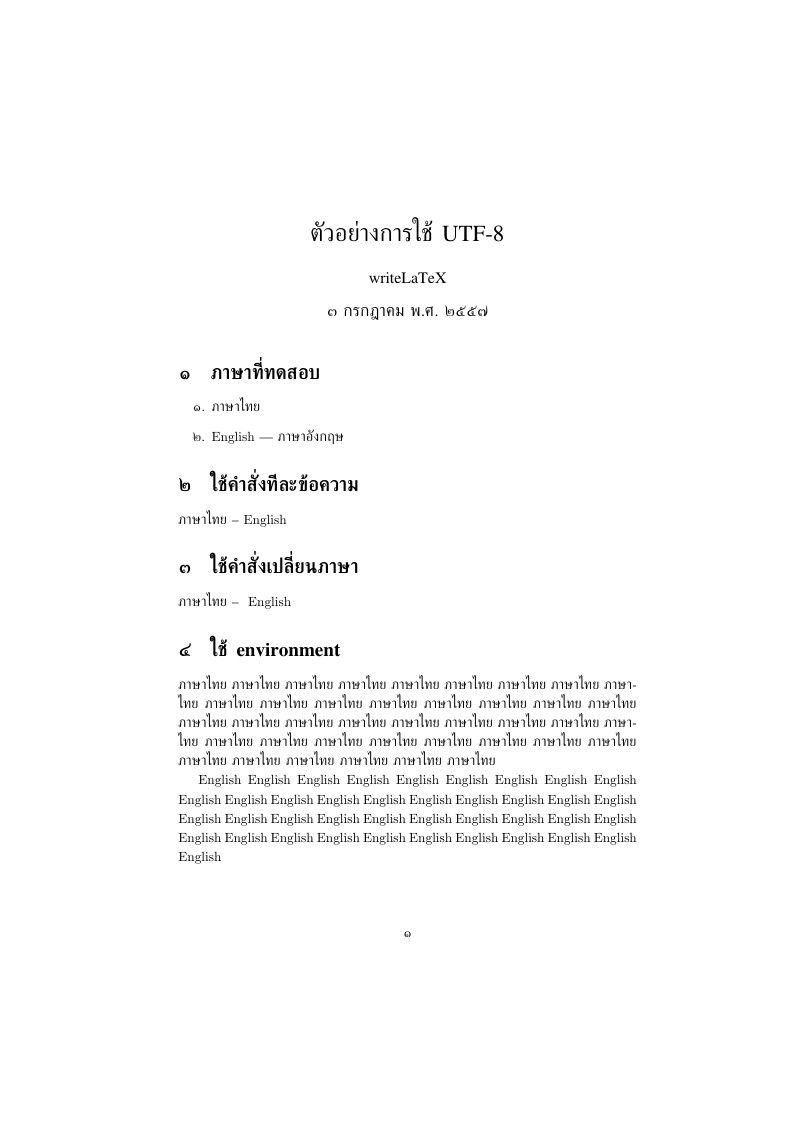
This example shows how to write in Thai in LaTeX using the thailatex package. It uses UTF-8 encoding so you can type Thai characters directly in the LaTeX source code. It also shows how to mix Thai with English using the babel package.
This is an example illustating how to typeset code in LaTeX, especially in beamer presentations. It uses the metropolis theme. It is a presentation with one slide per "technique" which include some explanatory comments. Examples shown are minted, lstlisting, verbatim, tcolorbox and knitR. The main document has the ending ".Rtex" which is required if you want it to be able to run knitR. Otherwise, you can just use normal ".tex". It is accompanied by a blog post with more information here. In this blog post, some complications which can arise when using code listings in beamer are discussed (package clashes, etc.), so this might be informative if you want to learn more.
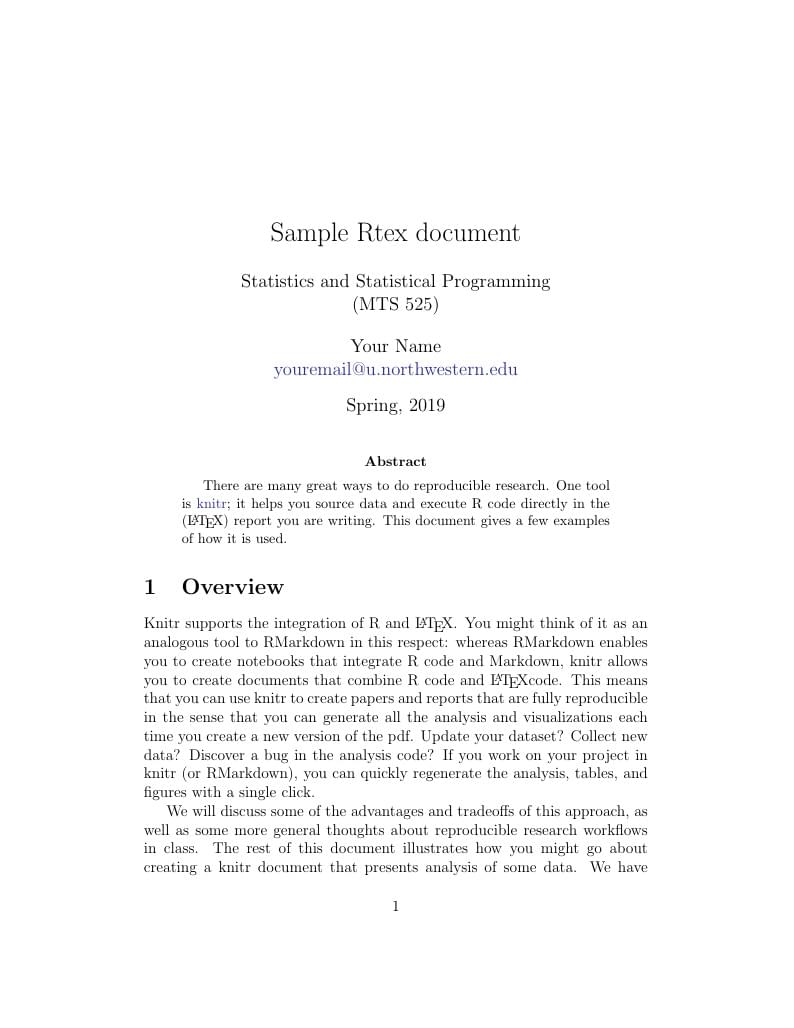
Very basic example of including R code in a LaTeX document.
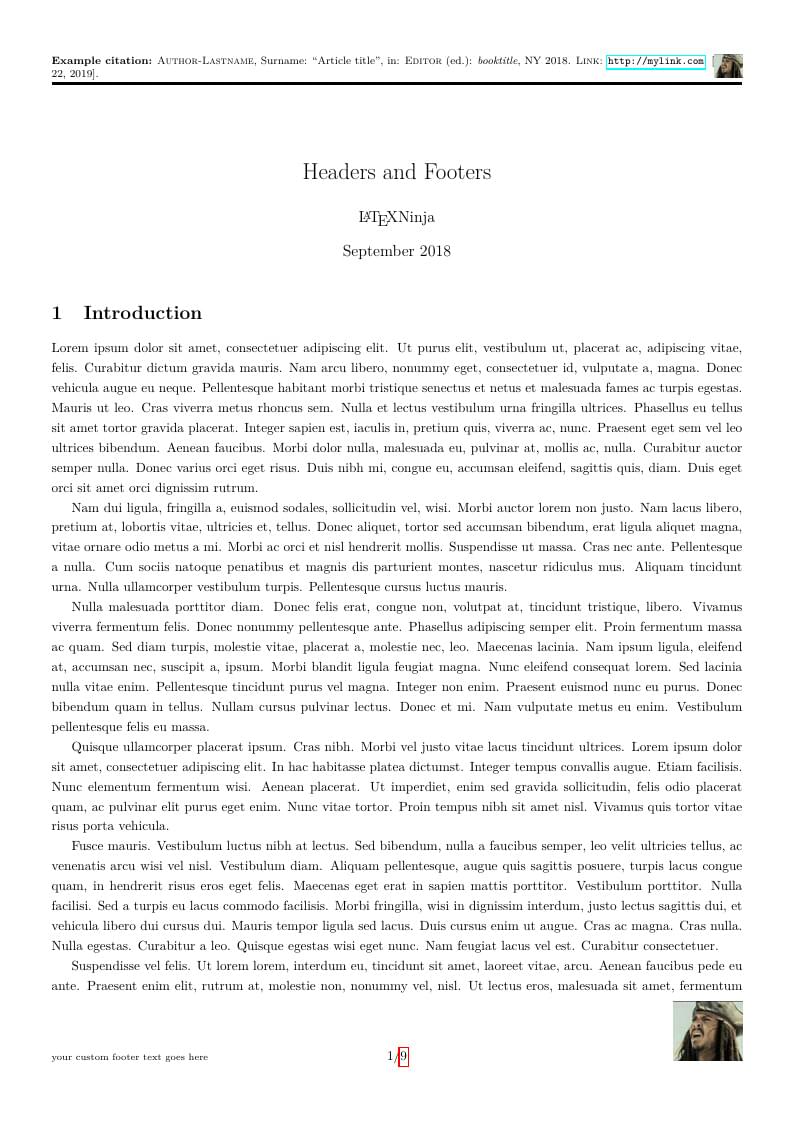
This is an example document to show the use of headers and footers. "Special features" are a fancy header, initially made for a CV template, and a "final footer" which will only appear on the very last page. The tutorial to go with it is here.
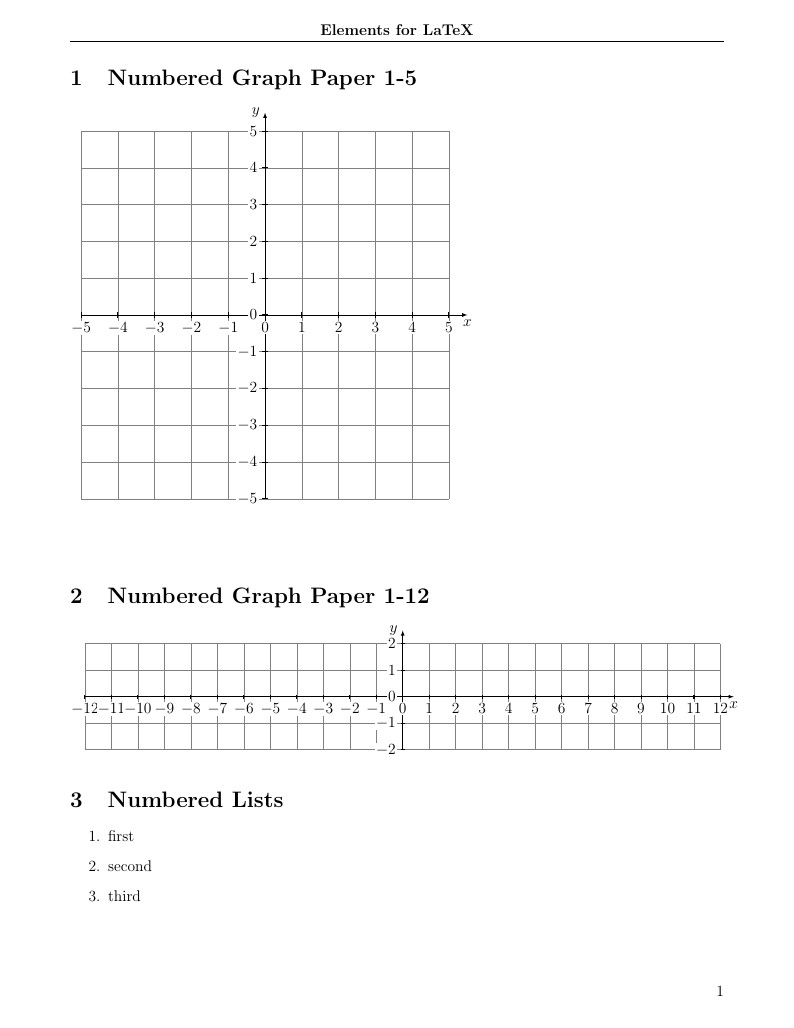
Just a collection of the code I've found and use regularly in projects. Includes crazy shapes, graph paper, margin changes and alignment of equations.
\begin
Discover why over 30 million people worldwide trust Overleaf with their work.